Terence Eden. He has a beard and is smiling.

Terence Eden’s Blog

Theme Switcher:

Drawing PPM images on the Tildagon in MicroPython

· 2 comments · 500 words


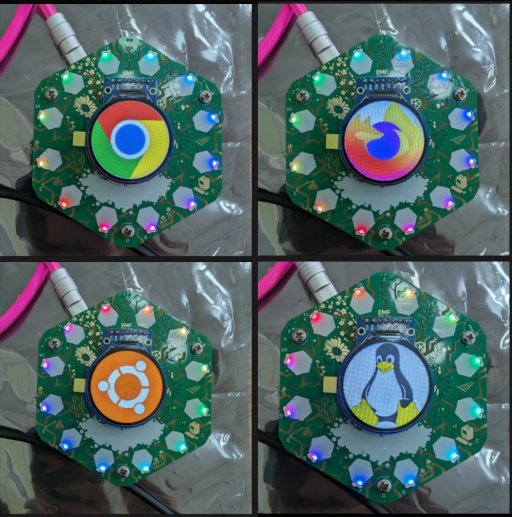
Various circuit boards showing images.

The Tildagon has 2MB of RAM. That's not enough to do... well, most things you'd want to do with a computer! There's not much processing power, so running complex image decoding algorithms might be a bit beyond it. Is there a simple image format which can be parsed and displayed? Yes! The ancient Portable PixMap (PPM) format. The standard is beautiful in its simplicity. Here's the header: …

Setting the time on the Tildagon

· 1 comment · 400 words


Hexagonal circuit board with circular screen. It is showing the date and time.

I'm beginning my adventures in MicroPython in the hope that I'll have something interesting working on the Tildagon Badge for EMF2026. Here's a basic implementation of a clockface. Here's how to set the time on the badge. There's a hardware clock which should keep time between reboots. Install mpremote on your computer. Connect the Tildagon to your computer using a USB-C data cable On your…

Displaying a QR code in MicroPython on the Tildagon Badge

· 2 comments · 900 words · Viewed ~719 times


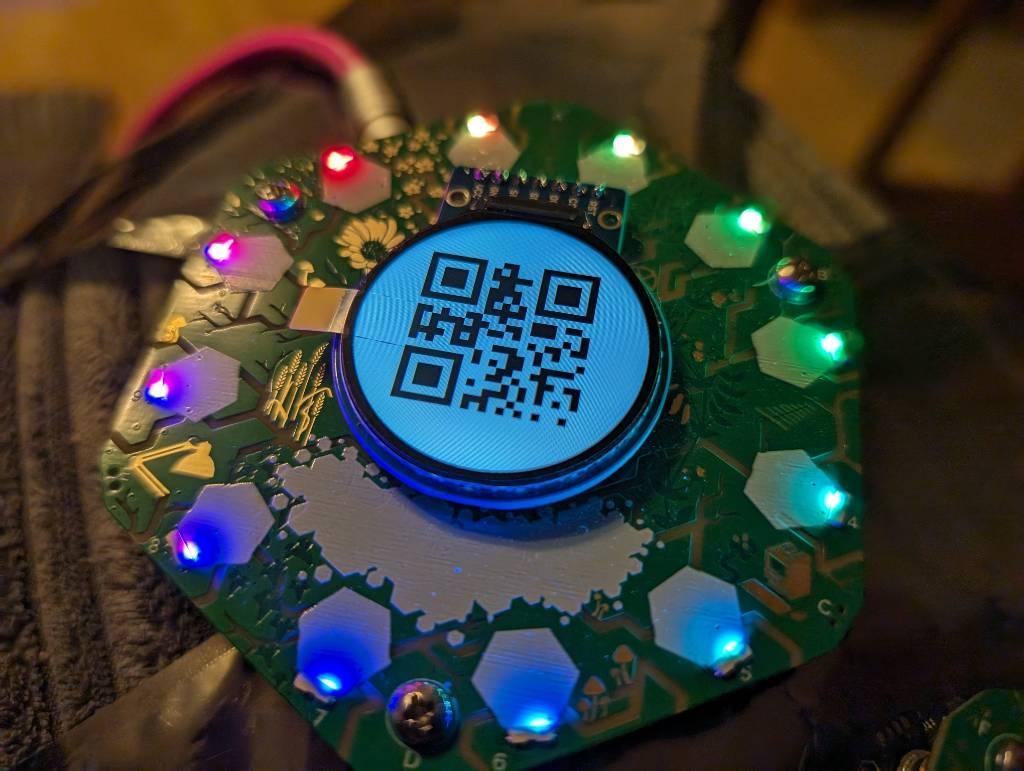
A hexagonal circuit board with a circular screen. The screen displays a monochrome QR code.

This was a bit of a labour of love - and something I wanted to get running during EMF Camp. I'm documenting in the hope it'll be useful for EMF 2026! Here's the end result: Background I'm going to assume that you have updated your badge to the latest firmware version. You will also need to install mpremote on your development machine. You should also have successfully run the basic Hello,…