
Five years ago, Twitter updated its logo and demonstrated that it could be made entirely of circles. Interestingly, the official Twitter logo doesn't use circles directly. So, here is an SVG I've made which is only circles: Or, without the edges, and no transparency: And the raw code: <svg height="100" viewBox="0 0 100 100" width="100" xmlns="http://www.w3.org/2000/svg"> <circle…
Continue reading →
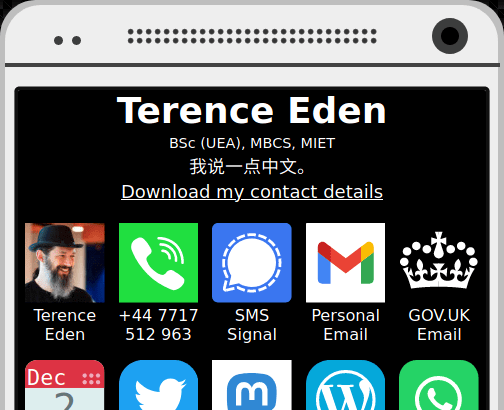
Recently, I've become obsessed with the speed and efficiency of my web sites. I'm in the middle of slimming down this blog - but I thought I'd take a first attempt at my contact site - https://edent.tel/ A few weeks ago, the .tel registry released their domain restrictions - users can now host their site anywhere. I'd already experimented with about.me/edent as a contact site - but even that…
Continue reading →

Recently, I wanted to embed an photograph of a book page. I thought it would be nifty if the text from the page could be selected. If you hover your mouse over this image, you should be able to select part of the text. Ideally, it will look something like this... It even works on Android (tried on Chrome, Opera, FireFox) and iOS 7. So, how did I do it? Originally, I was pointed to…
Continue reading →