
I'm a little bit obsessed with building eInk displays. They're pretty cheap second hand. They're low energy, passive displays, with good-enough performance for occasional updates. Here's a new one which shows me what the current cost of my electricity is: Background After installing solar panels, a smart electricity meter, and a solar battery - the next obvious step was a smart energy…
Continue reading →

Here's a quick scrap of code that works. There are lots of outdated tutorials out there for old versions of WordPress. This one is tested to be working in WordPress 6.3.2. This will pop up a confirmation dialogue when you try to publish, update, or schedule a post or page. The Code Add this to your theme's functions.php file: add_action( "admin_footer", "confirm_publish" ); function…
Continue reading →

WordPress allows you to set a featured image - called a "thumbnail" in the API. This gives a single image which can be used on a listing page, or shown when a post is shared on social media. The WordPress Media Library lets you set the alt text of an image. But, crucially, this alt text can be different when the image is used as a featured image. Here's how to find all your featured images…
Continue reading →
PHP has some pretty good error handling and logging, but I do sometimes find it confusing. For example, look at this warning message: [18-Oct-2023 12:34:56 UTC] PHP Warning: Something bad happened in /wp-content/something.php on line 123 OK, so we can go to something.php and scroll to line 123 and try to figure out what's gone wrong. But we don't know which page, post, or URl caused the error. …
Continue reading →
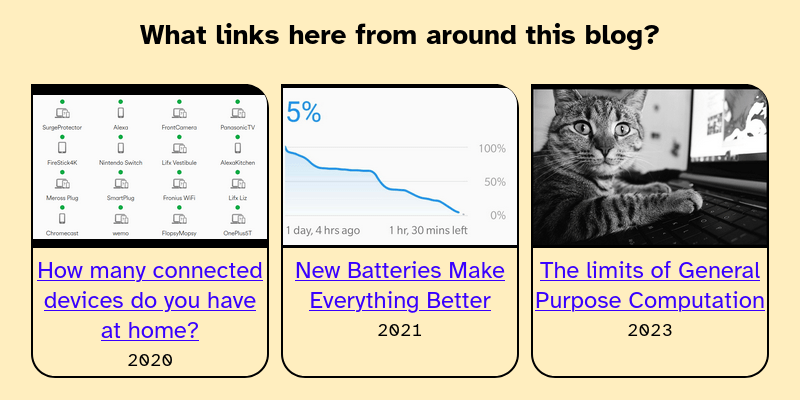
I have written a lot of blog posts. In some of those posts I link to other posts on my site. What's the easiest way of displaying those internal incoming links? Here's what it looks like: Code All we need to do is search WordPress for the URl of the current page. Loop through the results. Then display those links. $the_query = new WP_Query( array( 's' => get_the_permalink(), // …
Continue reading →
If you use WordPress, you can get a fairly basic embedded audio player by using the audio shortcode: [audio mp3="/path/to/file.mp3"] I didn't particularly like how it was styled so - because WordPress is so hackable - I changed it! Now my embedded audio looks like this: 🔊 Location Based QR Codes - Introducing http://xmts.mobi/🎤 edent 💾 Download this audio file. It gets a nice…
Continue reading →
This uses the wp shell command. It gives you an interactive prompt into which you can do various WordPress "things". One small annoyance is that it doesn't like multi-line entry. It treats every hit of the enter key as "plz run the codez" - so, at the end of this blog post, I've put the commands in copy-n-paste format. Once you've installed WP CLIP, go to the command line and run wp shell.…
Continue reading →

I like the JetPack related post functionality. But I wanted to customise it far beyond what the default code allows for. So here's how I went from this: To this: Documentation The complete documentation for related posts is pretty easy to follow. This is an adaptation of "Use Jetpack_RelatedPosts_Raw to build your own list of Related Posts". Remove the automatic placement You can turn…
Continue reading →
If you use WordPress's HTML5 comments, there's an annoying little gotcha. There's a four year old bug which prevents client-side form validation. HTML allows <input> elements to have a required attribute. In theory, that means the form shouldn't submit until the input is filled in. Sadly, WordPress uses novalidate on the form - as the name suggests it stops any validation. But! WordPress is…
Continue reading →

Here's the problem: the current Bluetooth spec doesn't allow high-quality audio to be sent to a headset when it is also sending audio from the microphone. Instead, it switches to the Hands Free Profile (HFP) which only streams low quality mono sound. It makes Teams calls sound like garbage. The usual solution in Google Meet, Zoom, and MS Teams is to manually tell the app to use Bluetooth for…
Continue reading →
There's a new HTML element in town! You can now use <search> to semantically mark up a search box. It's great for letting screen-readers and other assistive tech know what a form does. It's only supported in WebKit for now - other browsers will get it eventually. The WordPress default search widget hasn't yet updated, but I'm going to show you how you can start using it today! In your theme,…
Continue reading →

The Selenium WebDriver is a brilliant way to programmatically interact with websites. You can write little Python scripts which can click around inside browser windows and do "stuff". I use it to download a file generated by a Javascript Blob and automatically save it to disk. Here's how. Set up the WebDriver After you've installed Selenium and the Chrome WebDriver, this is the standard…
Continue reading →
