


I was rudely woken at 5AM by the death-throes of my Carbon Monoxide alarm. Apparently it is an iron-clad law of the Universe that their dying beeps must happen while you're asleep. Right, time for a new detector as I'd rather not die of CO poisoning.
I found Smart Home Shop UK which lists items that are compatible with HomeAssistant. Their WiFi Carbon Monoxide Alarm was only £15 - which is about the same price as a non-smart one from my local ScrewFix.
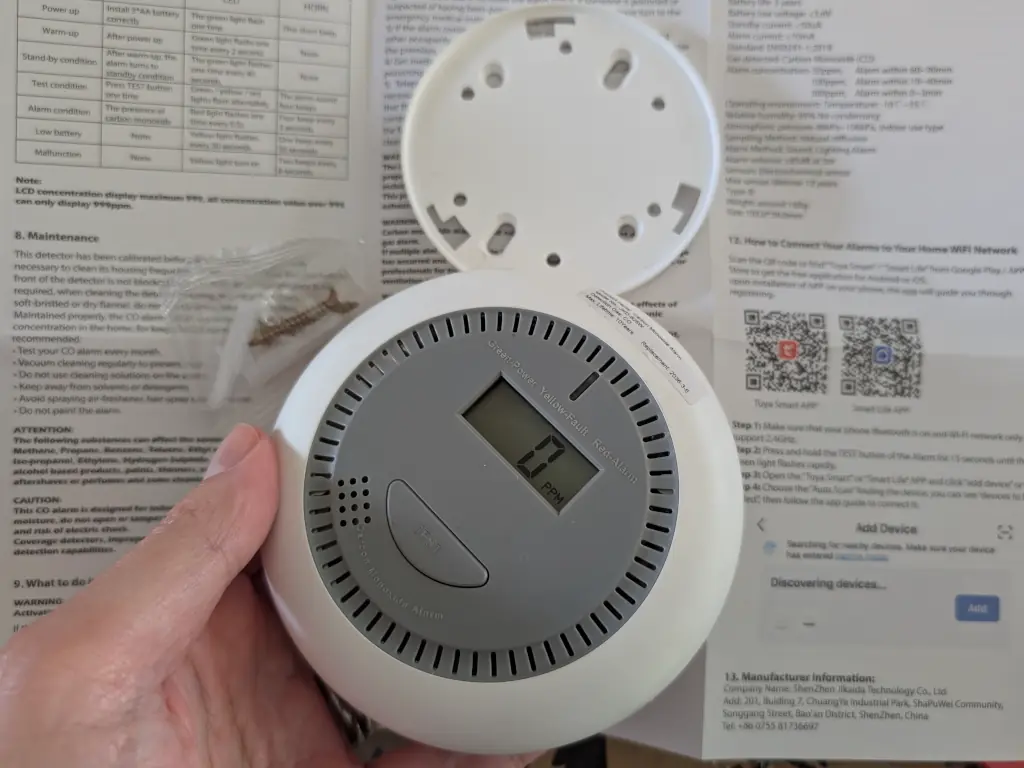
This is the JKD-625W made by the OEM Symank. It comes with a backing plate, a couple of screws and rawl plugs, and a basic instruction manual. You also get three AA batteries included.
As I've mentioned before, devices with Zero Interfaces are the best. Yes, you could spend all day looking at the small LCD to count how many PPMs it is reading - but the reality is this is going to be stuck on a wall out of view. The LEDs are reasonably subtle - enough to let you know the power is working.
Pressing the test button produces a suitably loud beep. Which, basically, is all I want in an alarm.
But, of course, the real reason I bought it is the WiFi connectivity. Hold the test button for about 15 seconds, enjoy the beeping, and then it's ready to add to your network. As with any IOT device, I recommend putting it on a separate vLAN just in case it gets hacked or goes rogue.
Tuya
Like nearly all cheap smarthome devices, this doesn't have its own app or service, instead it uses Tuya. I can't complain about that, Tuya produce a reasonable Android app and seem quite happy to let HomeAssistant access their API.
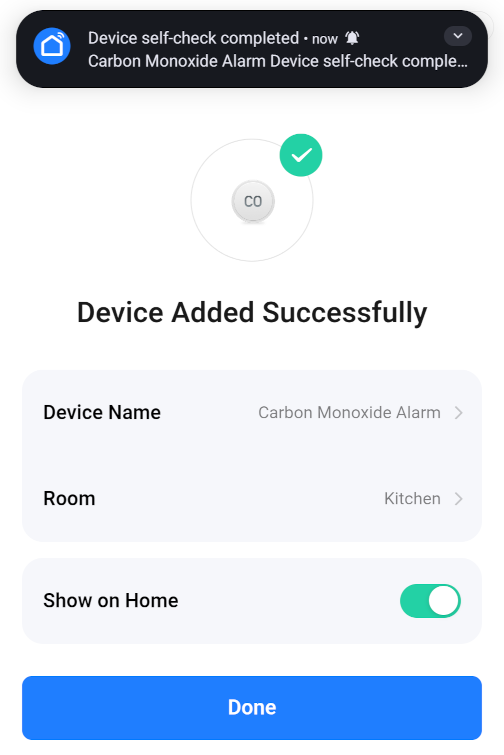
Once paired the app shows some basic information about the sensor.
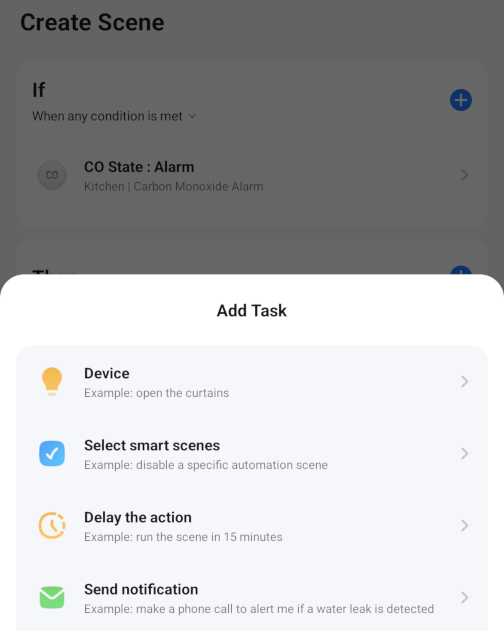
It's possible to create some automation routines. If it detects CO, you could switch on all the lights in the house.
The device only connects to 2.4GHz WiFi - that's fine, it isn't sending gigabytes of data and the lower frequency tends to go further, so it's fine for sticking in your loft.
One thing to note about low-power alarms like this is that they do not constantly connect to the WiFi. With only 3x AA batteries, a permanent connection would be an unacceptable power drain. So they connect once in a while to let the app know the device still exists. When the alarm sounds, they connect in order to send a push notification.
The battery is expected to last about 3 years - but the device is rated for 10 years. So factor in a few battery replacements or recharges before the decade is out.
HomeAssistant
A few seconds after I added it to my Tuya account, it automatically appeared in my HomeAssistant.
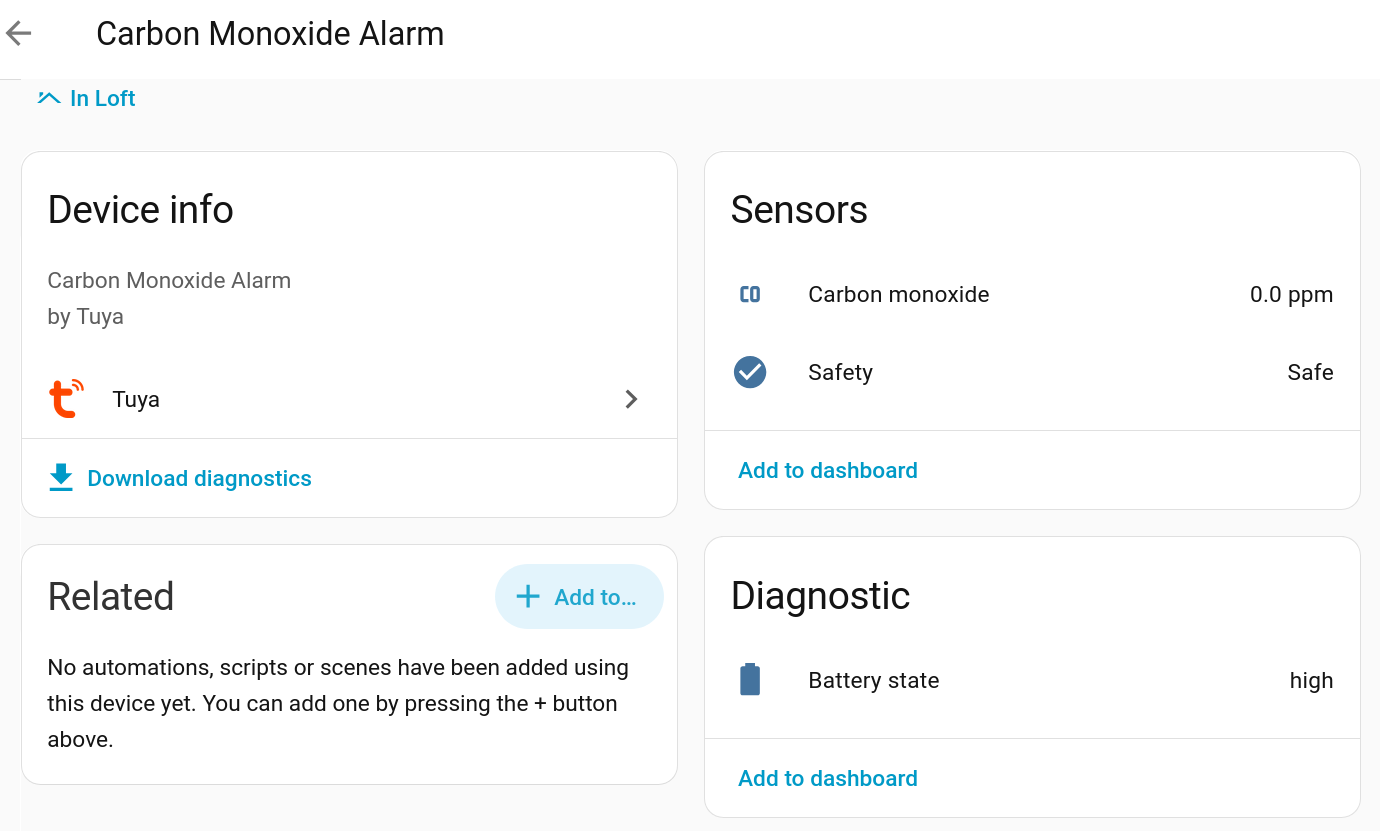
All integrated nicely. Of course, I'll have to wait for an emergency to see if it actually reports anything!
Final Thoughts
Without professional testing equipment, I'm reliant on the manufacturer's claims. But that's no different to any cheap alarm available.
For fifteen quid, it's decent. It's a small and discreet unit, the HomeAssistant integration is handy. I hope that when the battery level dips in 3 years time, I won't be woken in the middle of the night!


One thought on “Gadget Review: WiFi Carbon Monoxide Alarm (JKD-625W)”
> it is an iron-clad law of the Universe that their dying beeps must happen while you're asleep
It is indeed. More precisely, the laws of physics dictate that batteries don't work as well when it's cold, which means that dying beeps mostly do start overnight.
@blog
| Reply to original comment on mastodon.ie
More comments on Mastodon.