

I'm not paying seventy bloody quid for an official PS5 controller - so I found a knock-off version for a smidge under £40. And this one has lots of unnecessary blinkenlights!
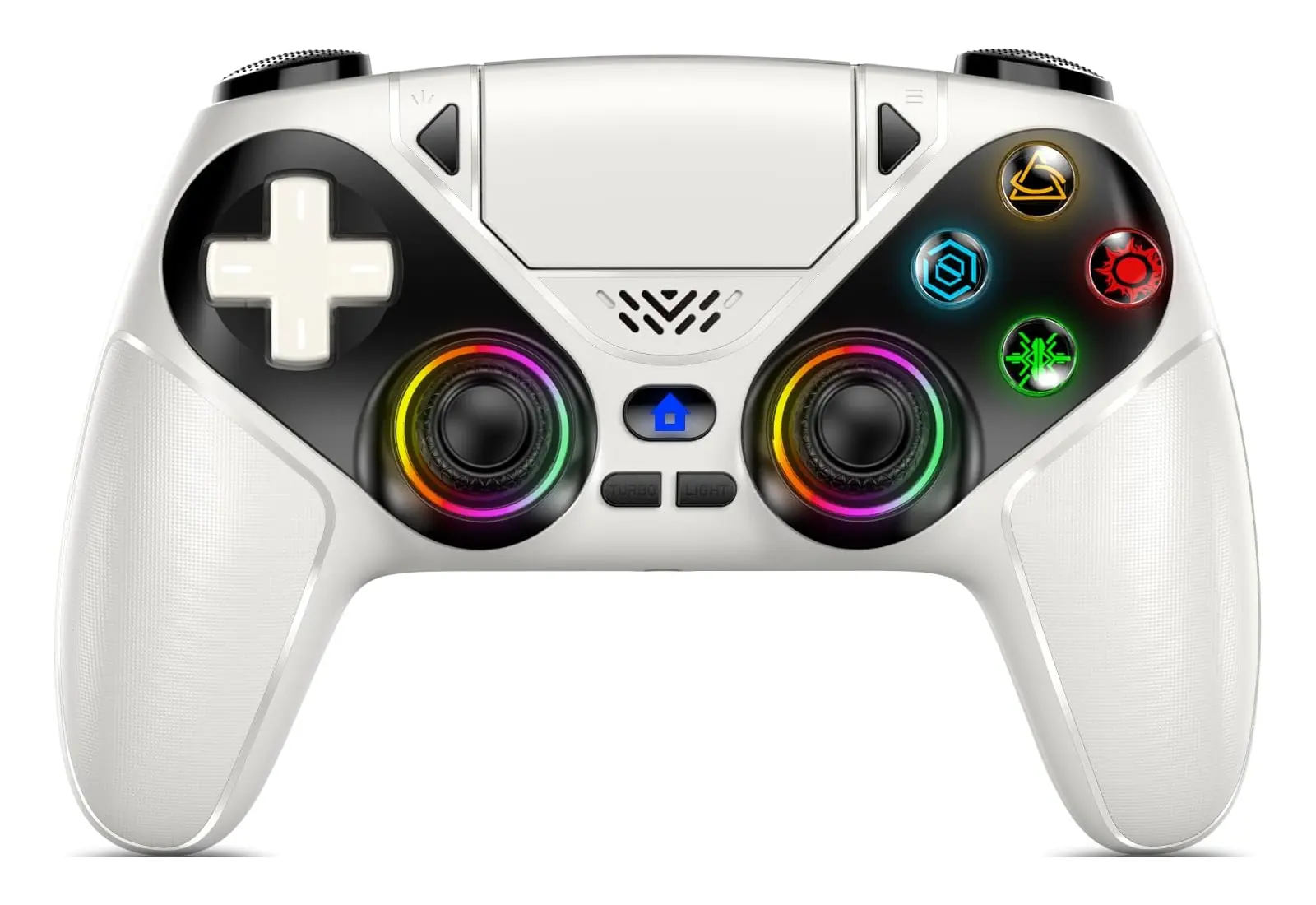
Gamrombo is the consumer-facing brand of the generically named Professional Controller Manufacturer. AKA "Huizhou Ronghui Technology Co., Ltd" - there's virtually no information about them online other than paid-for reviews. Well, I bought this with my own money - so enjoy this honest review:
It's basically fine and it works on Linux.
OK, a bit more detail
The USB cable which comes with the controller is charge only - so you can dispose of it. Using a USB-C to C cable, I plugged it into to my Linux laptop and it was instantly detected. Rather cheekily, it shows up as 054c:0ce6 Sony Corp. DualSense Wireless Controller.
The PS5 touchpad was immediately usable. Single finger moved the mouse pointer, two-finger scrolling and zooming worked, clicking the pad clicks the mouse. Nice!
I popped along to hardwaretester.com/gamepad in Firefox, everything worked as expected.
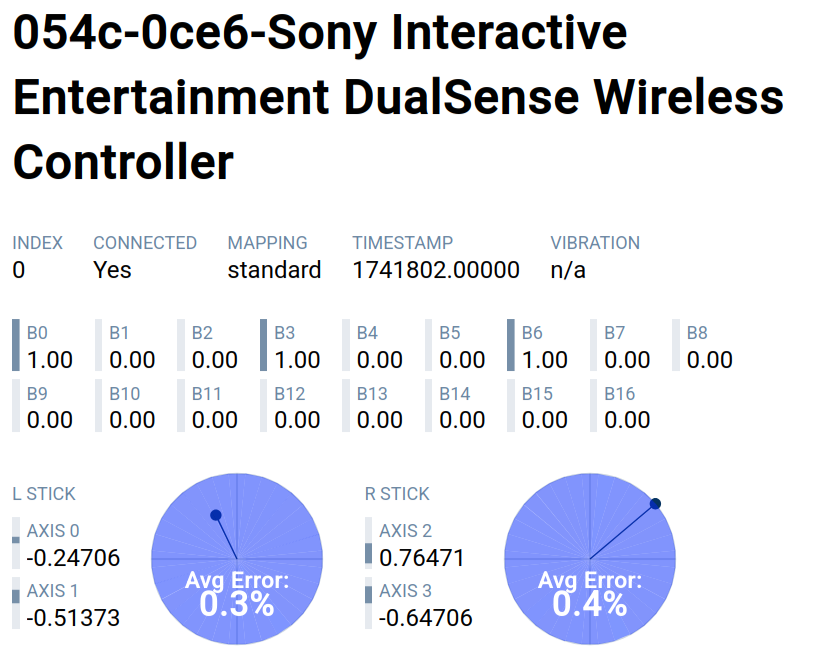
Plugging it in to my Android phone also worked. So pretty handy if you want to play games on a miniscule screen.
Same with Bluetooth. I held down ⨞ and 🏠 on the controller, then connected. Everything worked. Weirdly, it wouldn't stop vibrating until I'd changed the LED colours.
Speaking of which - how much do you like garish LEDs? Tapping the light button changes the colours of the glowing rings around the joysticks. There's half a dozen solid colours or a slowly rotating rainbow effect. Or, just hold down the button to switch them all off.
As well as being cheaper than an official controller, it has more functionality. There are two programmable "macro" buttons on the back. Each can hold a sequence of up to 24 buttons pushes. Perfect if you need to record combos.
There's also a "turbo" button. You can use it to turn a long-press into a repeated-press. Perfect for saving you from RSI.
It vibrates as normal, has an inbuilt speaker, 3.5mm jack, and charges at about 2.5 Watts - all the same as a regular controller. Oh! And it paired with the PS5 as well 😆
OK, that's the good stuff. Where are the drawbacks?
Downsides
No microphone. This might be a deal-breaker for some, but I don't play any games which need it.
There is a firmware update available - but it comes as an EXE which only works on Windows a and is distributed on WeTransfer!
The icons on the buttons aren't the × ○ △ □ you'll see in-game. They are the right colour though.
Charging is only by USB. It won't work in a charging dock.
I managed to lock-up the controller. Between faffing around with Bluetooth and plugging it in to a bunch of different computers, it had a bit of a tizzy and wouldn't turn on again. Clicking the reset button using a paperclip brought it back to life.
Finally, it does feel kinda cheap. It is lighter weight and the buttons don't feel quite as "clicky" as an official controller. It isn't bad per se but it is different.
Should I get one?
It's pretty good! I've no idea how long the battery will last, or if it'll fall apart after I post this review, but saving £30 means you can spend more on games.


3 thoughts on “Review: Gamrombo PS5 controller - including Linux set up”
@Edent Professional Controller Manufacturer implies the existence of Amateur Controller Manufacturer
| Reply to original comment on berkeley.edu.pl
I've gone through a lot of third-party and official controllers over the years, especially for the Xbox 360/Xbox One, and having a teenage son unaware of his destructive powers...
The most common issue is stick drift after a few months.
| Reply to original comment on bsky.app
For my Linux gaming I used to use a PS4 controller, but last year switched to a bright - sorry - vibrant orange Gamesir G7 SE, which uses Hall-effect sticks, and in theory, a lot less drift.
https://gamesir.com/collections/xbox-controller/products/gamesir-g7-se-vibrant-orange
Worked out of the box for me, but I think it wants kernel 6.14+?
More comments on Mastodon.