

Want to capture video from your phone or console? You could just point a camera at the screen, but a more sensible way to do it is to capture the video directly via USB-C.
The good folks at Benfei have sent me another gadget to review! This is a USB-C Video/Audio capture dongle. Plug one end into a device and the other into your computer - it will show up as a USB video capture device.
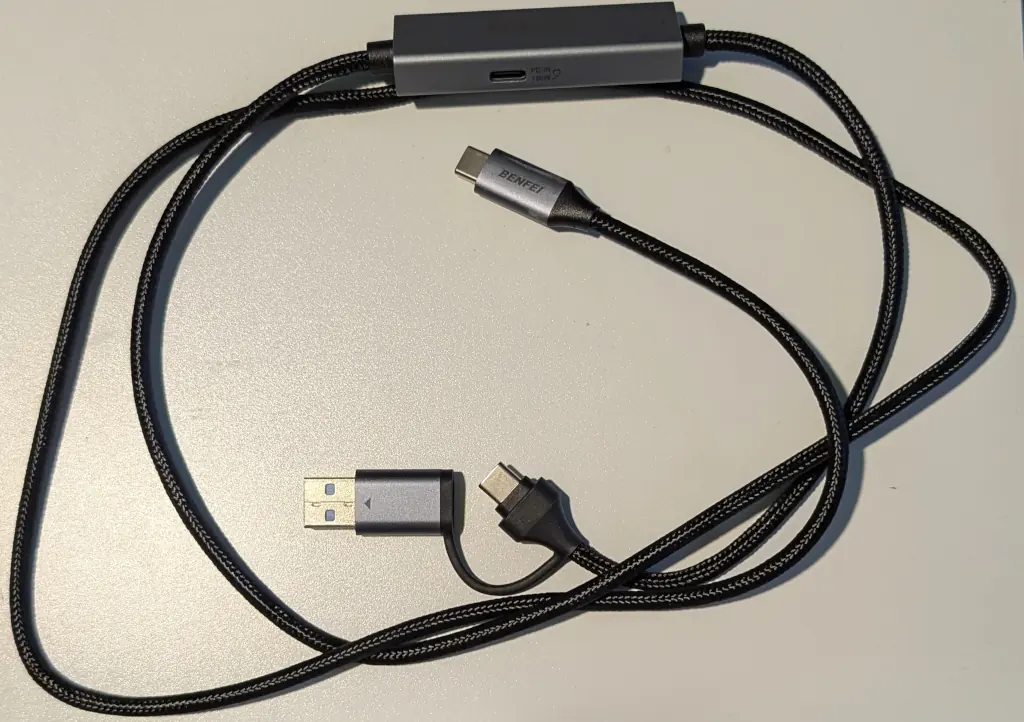
Notice the extra USB socket there?
USB Power
One great thing about this device is that it has USB Power Delivery pass through. This means you can charge your device while grabbing video from it. That's more than a "nice to have" - the Nintendo Switch will refuse to output video over USB-C unless it is connected to a power supply.
The capture device claims to be able to pass through 100W - I don't have any devices which need that much power, but my USB-C Power Meter showed devices happily slurping down between 5W and 20W depending on the device I was using.
So how does it do?
Video and Audio
It is limited to 1080p @ 60Hz, which is good enough for most things.
Here's a short clip from the Nintendo Switch:
And here's a capture from my Android phone:
Linux
For the nerds amongst us, this shows up in lsusb as 345f:2130 MACROSILICON USB3 Video which should be well supported.
OBS Studio was able to capture the video and audio input perfectly:
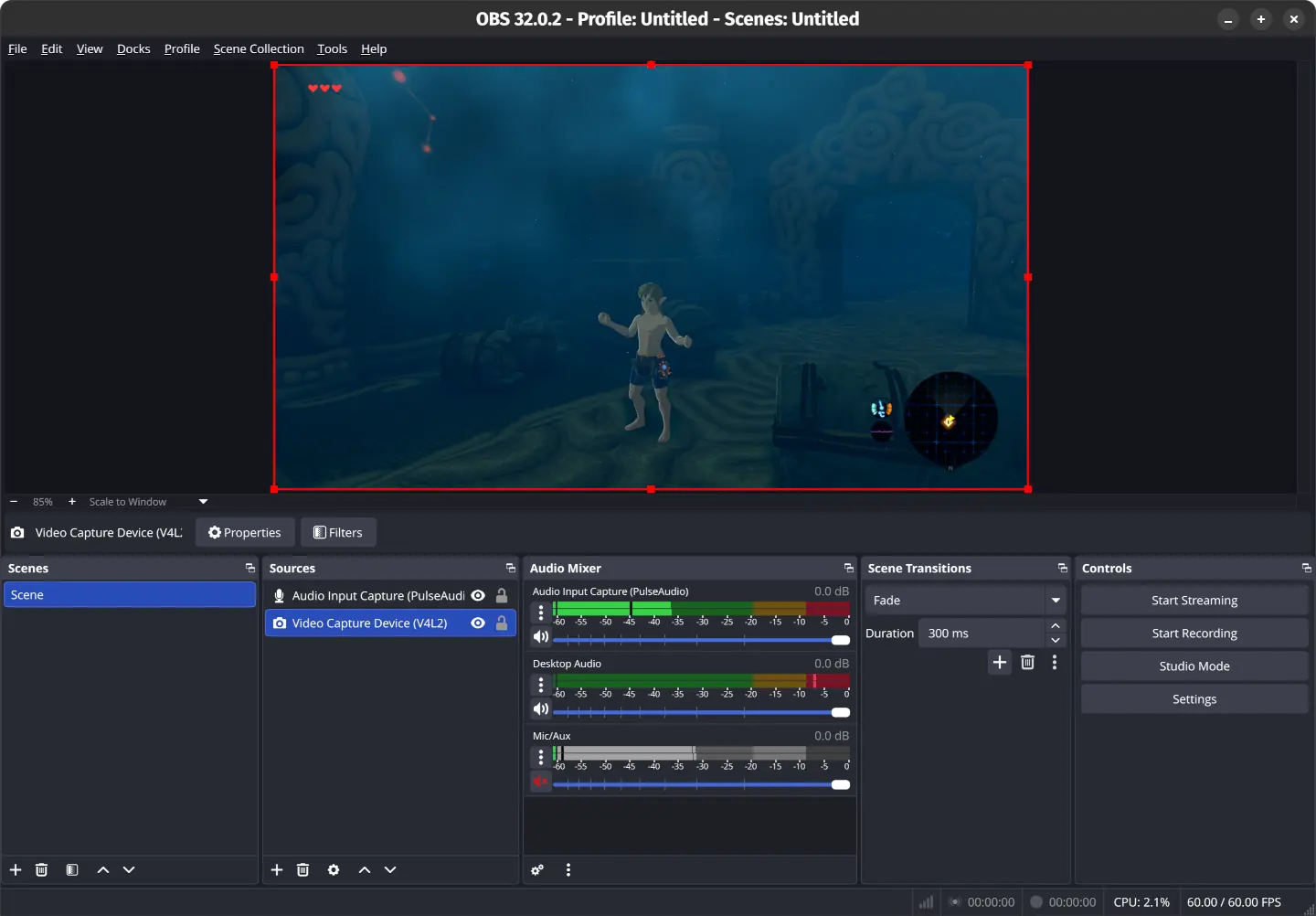
It is the epitome of Plug & Play. Shove one end into your device and plug the other end into your computer's USB-C port. That's it. Done. No software to install, no drivers to download, no switches to flip. There's also a handy adapter if you want to use a USB-A socket - although it will need to support USB 3 speeds.
Limitations
As with most HDMI devices, it will refuse to stream video protected by HDCP DRM. That means you probably can't stream your Netflix / Disney / Whatever subscription to your laptop.
It is limited to stereo sound. I couldn't convince the Nintendo Switch to output surround sound.
Obviously, it only works with devices which have USB-C video output. Modern Android and most hand-held consoles will work. Your PS5 won't.
So what about those devices without USB-C?
Bonus HDMI Dongle!
So you're a wannabe Twitch streamer, or you just want to capture something from your HDMI output? The good folks at Benfei also sent me their HDMI Capture Dongle to review.
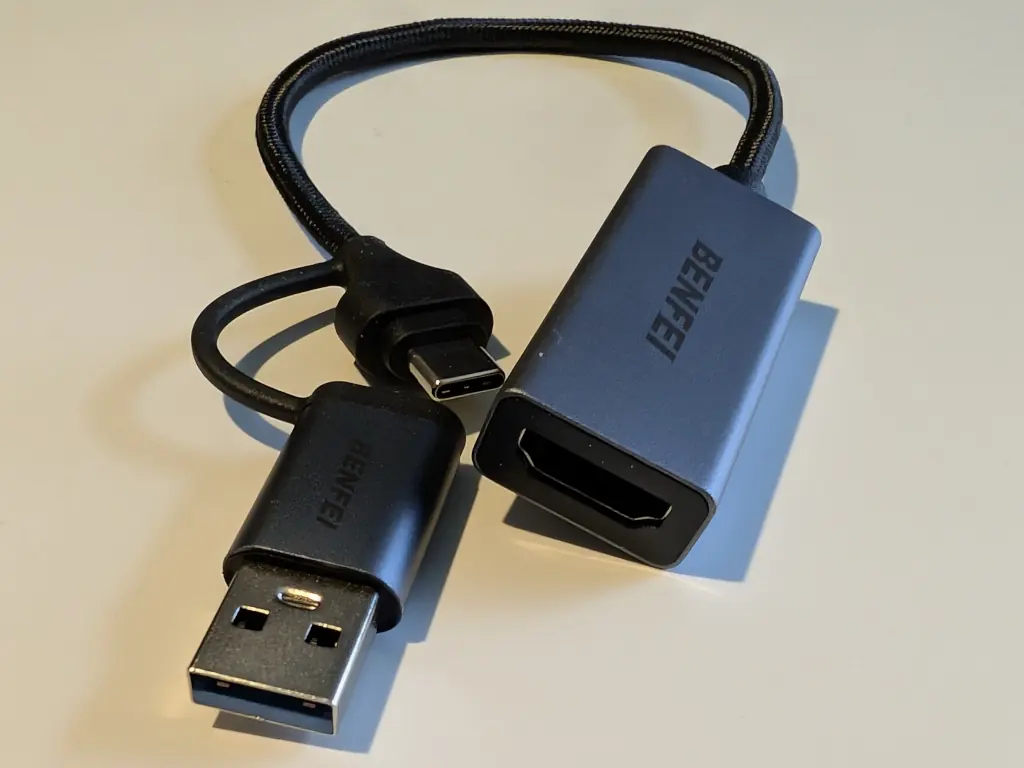
There's absolutely nothing else to say about this one. It has the same internals - 345f:2130 MACROSILICON USB3 Video - and works exactly the same.
Shove an HDMI cable in there and you're good to go,
Price
The USB-C to USB-C cable a surprisingly reasonable £15. If you need to capture video for presentations or streaming, it will do the job splendidly. The cable is long enough to drape from a machine to a source - and the Power Delivery is useful.
The HDMI capture is only £12. They both work identically well and are supported on Linux.
Highly recommended!


3 thoughts on “Gadget Review: Benfei USB-C Video Capture”
There is one (major) downside: both devices lack a video passthrough.
As good as the video capture can be, it will certainly introduce a little bit of delay, which can be noticeable on interactive usage, such as playing a game. And that's why some other capture devices have a secondary video-out port to connect a real display.
If you don't have this need, these reviewed devices are probably fine. But for any gaming-related activity I'd look for something else.
@Edent I bought it immediately after I read your review. Thanks!
| Reply to original comment on noc.social
@Edent thanks for this, I ordered a couple for my kids for Christmas. They like streaming from gaming devices, and the setup right now is pretty janky.
| Reply to original comment on chaos.social
More comments on Mastodon.