


The good folks at Mokin have sent me their new USB-C hub and it is a beast.

This is the MODK2403 - the latest in their line of high-tech USB-C docks. It does close to everything you could want and has an LCD monitor for showing the weather.
Errr… What?
OK, a quick product shots, then on to the specs.

On to the ports:
- Triple display
- Either 3x HDMI or 1x HDMI and 2x DisplayPort
- 4x USB-A
- 2x 2.0 480Mbps, 1x 3.0 5Gbps, 1x 3.1 10Gbps
- 2x USB-C
- 1x 3.0 5Gbps, 1x 3.1 10Gbps
- USB-C PD input
- 100W
- USB-C to host computer
- USB-C to C cable included
- Ethernet port
- 1Gbps
- SD and microSD
- 3.5m Audio Jack
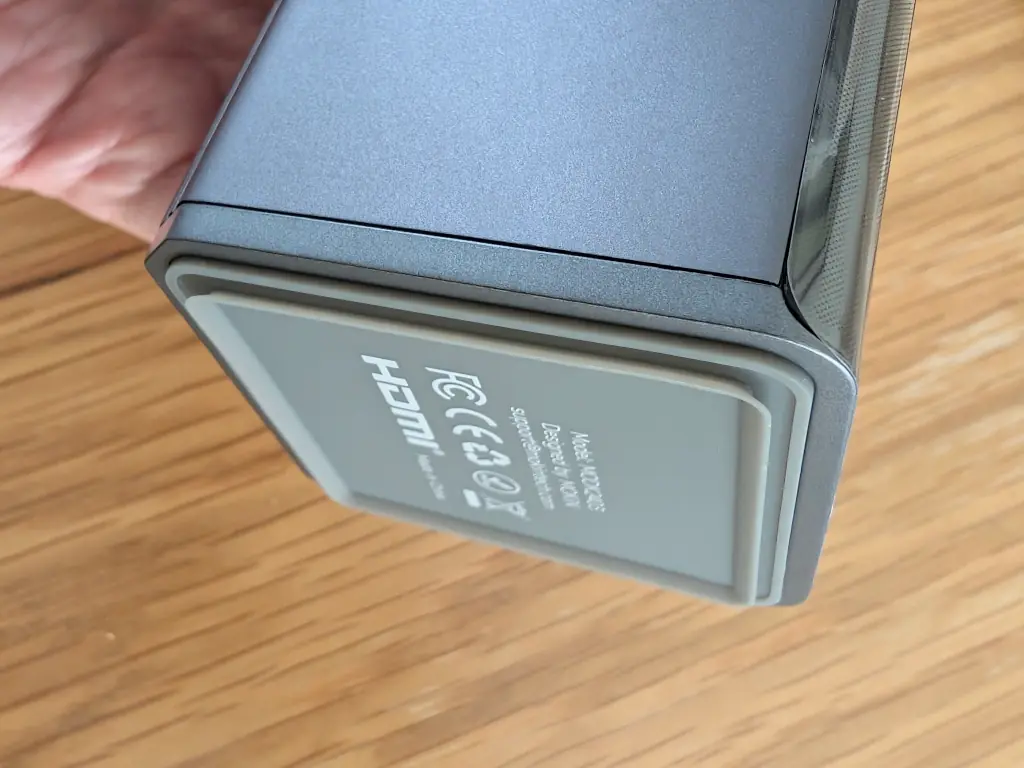
- Suction cup
Yup! At the bottom of the tower is a silicone surround which allows it to firmly plant on any flat surface. It's strong enough to take any gentle nudges without toppling over, but easy enough to lift off if you need to move the unit.
It is slightly cheeky to describe this as 17 ports. The two DisplayPorts are tied to the HDMI ports - so you can only have 3 screens active at a time, not five. But as each screen can do 4K @ 60Hz, I'll let it slide.
Screen
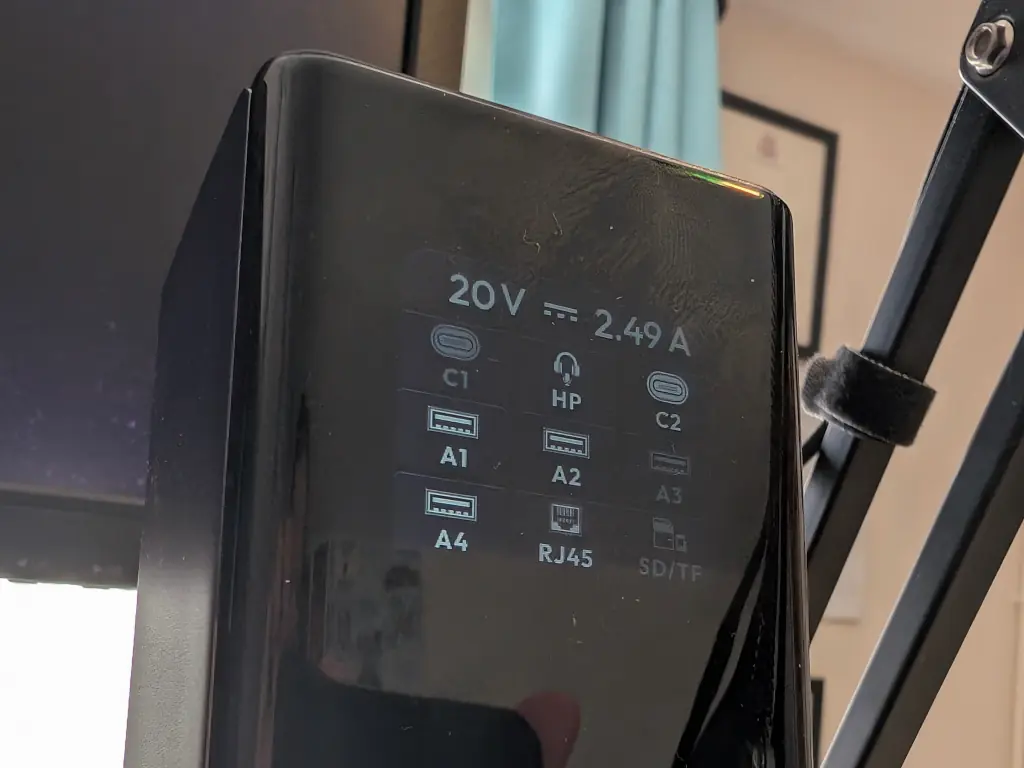
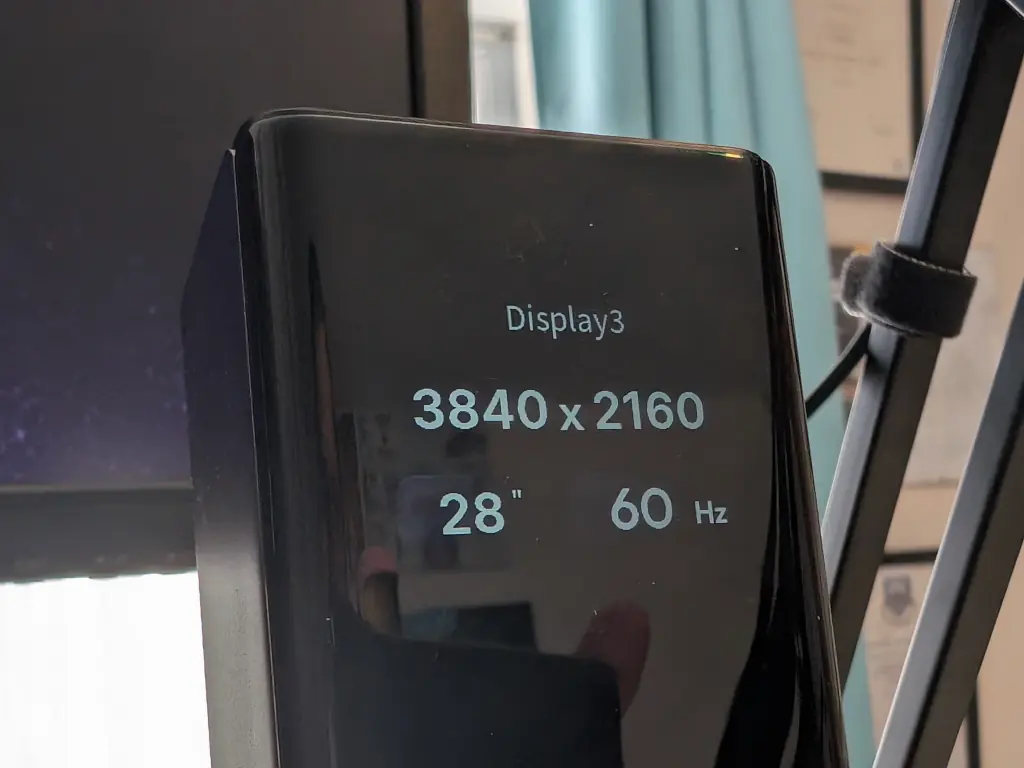
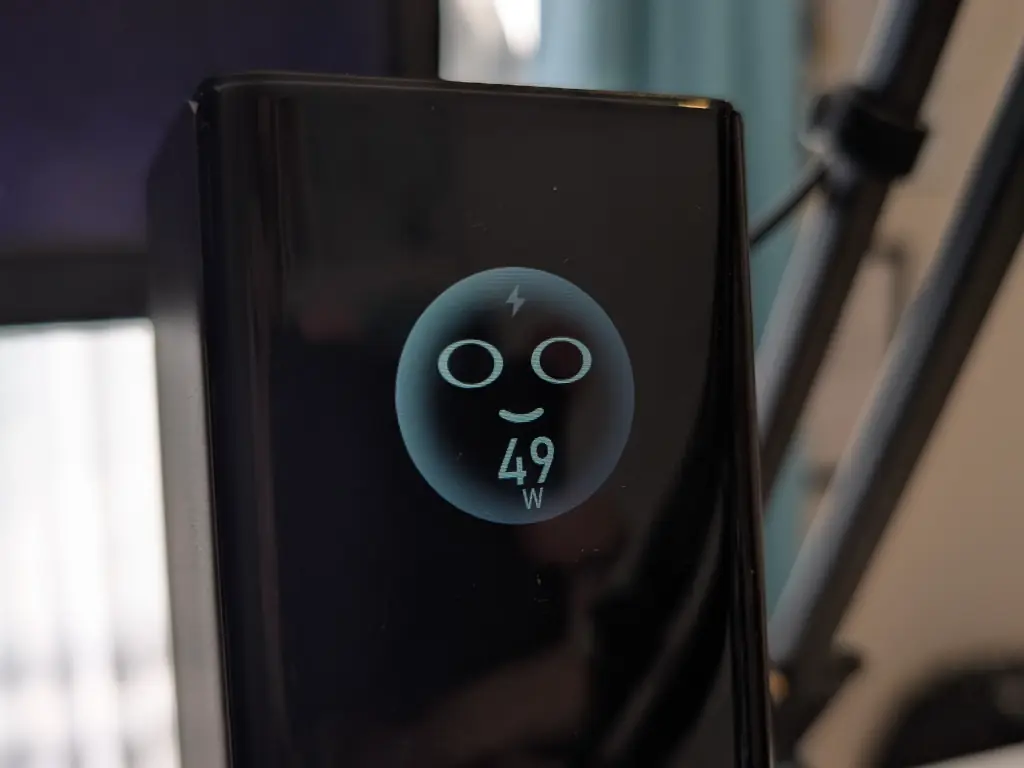
There's a black and white screen included which can show you a bunch of information. Tap the power-button on top to cycle between them.
Which ports are connected:
Screen resolution of attached devices:
Total power draw:
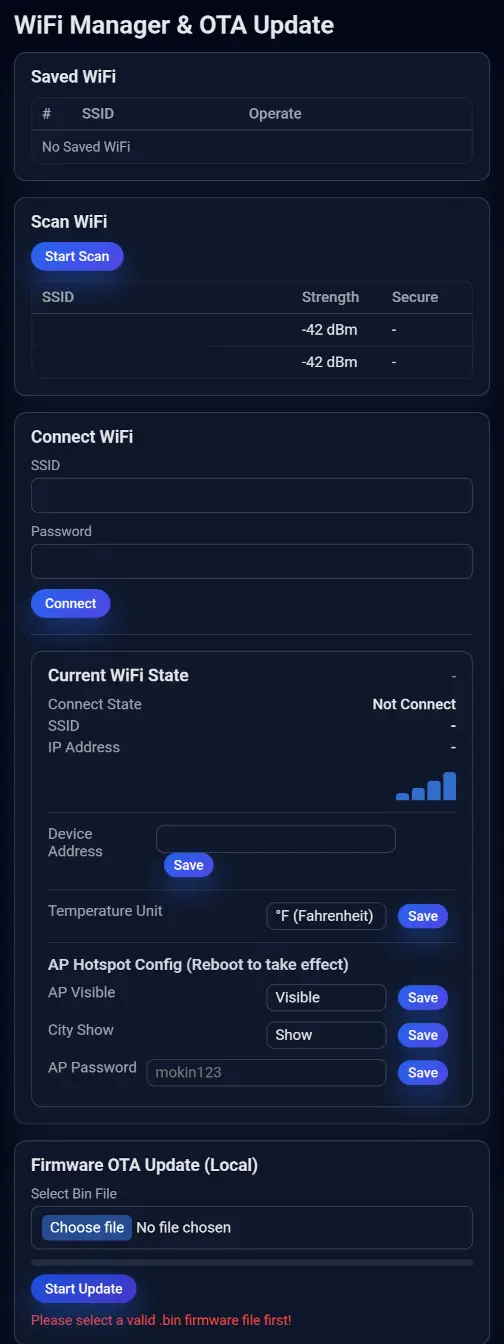
WiFi set up:
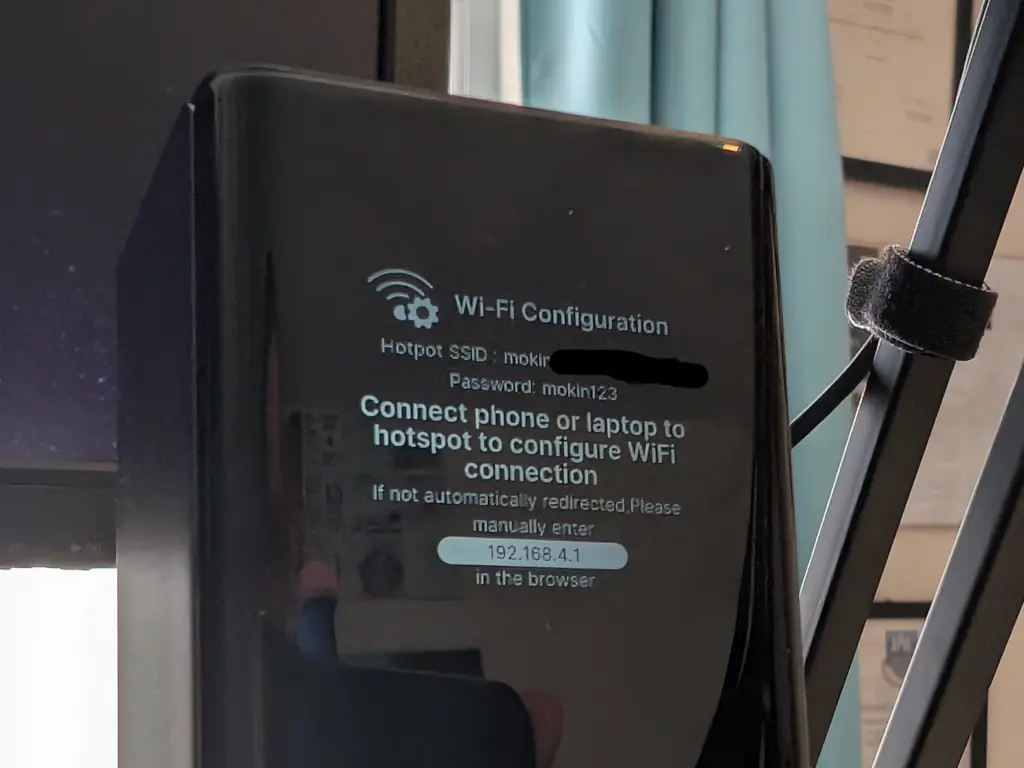
Wait? What! If you connect to the hub's WiFi, you get this set-up screen.
Once it is connected, it'll show you the weather in your area:
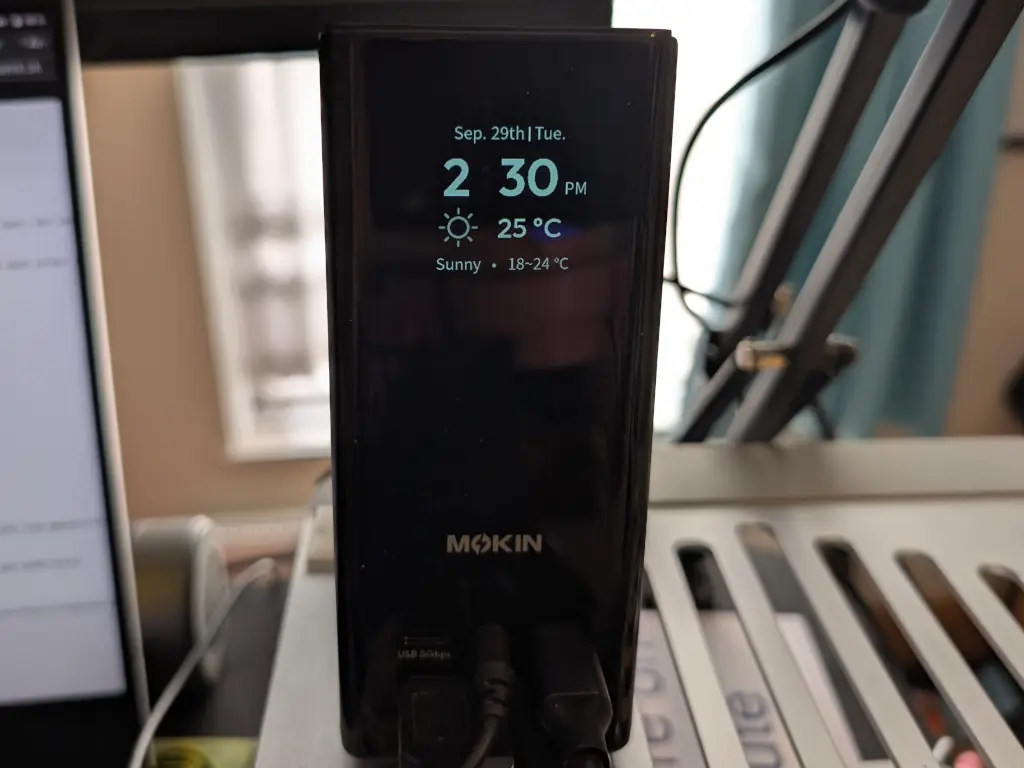
I'm not entirely convinced about whether that's useful. Although you can change the units from ℉ to ℃, and show or hide your area, there's no other customisation available. No 24 hour clock, no date formatting, nothing. There's also no privacy policy or indication of which weather provider it is connecting to.
The screen switches off after a few minutes - so it isn't a constant distraction. Tapping the top button turns it on again.
Double-pressing the power-button switches the external monitors off. Which is useful for privacy I guess?
Linux Info
Worked perfectly with my Linux laptop. I drove two external screens via DisplayPort, a bunch of USB peripherals, Ethernet, etc.
A full read-out gives:

0bda:8153 Realtek Semiconductor Corp. RTL8153 Gigabit Ethernet Adapter 0bda:0411 Realtek Semiconductor Corp. Hub 2109:0822 VIA Labs, Inc. USB3.1 Hub 2109:8822 VIA Labs, Inc. USB Billboard Device 0020:0b21 Generic AB13X USB Audio 0bda:1100 Realtek Semiconductor Corp. HID Device 0bda:5411 Realtek Semiconductor Corp. RTS5411 Hub 1a86:8095 QinHeng Electronics USB Hub 303a:1001 Espressif USB JTAG/serial debug unit 2109:2822 VIA Labs, Inc. USB2.0 Hub
Speed
I have 1Gbps broadband, and I was able to get 850Mbps through the Mokin's Ethernet port. That's pretty much what I'd expect.
Copying files via USB-C to a Pixel phone topped out at about 200MBps, which was a little underwhelming, but fast enough for my needs. I tried a variety of cables, including the bundled one.
Sound
The AB13X USB Audio presents as both analogue and S/PDIF. There was no meaningful difference between the two in terms of sound quality. There was minimal hum on output when nothing was being played.
WiFi and Security
I'm slightly uneasy about the built-in WiFi connection this hub offers. It is primarily used for showing the weather on screen, but it can also be used to upload new firmware.
Worryingly, it has a weak default password set - mokin123. I think that might be against the law. The password can be changed by the user - but I wonder how many people will bother?
When I mentioned this to Mokin, they replied:
After the initial password is set, the user can change the password themselves rather than continuing to use a fixed default password.
I don't think that's good enough to protect users.
Similarly, the SSID can be hidden and is randomised, but I wonder if that's suitable defence against a determined hacker?
I'm glad that the unit doesn't hijack the Ethernet connection - but who knows what a future firmware update might do.
There's also a 303a:1001 Espressif USB JTAG/serial debug unit exposed on the hub. I tried connecting to it with esptool and the hub crashed! I had to pull out the power to get it to restart. I'm not smart enough to probe it further, but I can't help wondering why it is there.
Finally, there's a mysterious 0bda:1100 Realtek Semiconductor Corp. HID Device. I thought that was used for blanking the external screens when the power-button is double-pressed, but that didn't register on evtest. So what is it for? I don't like the idea of a random Human Interface Device (usually a keyboard or mouse) being attached to my computer.
I spoke to Mokin about it and they said:
our technical manager confirmed that these two entries are reserved for future firmware updates.
Personally, I would expect these to be disabled if they aren't going to be used.
Privacy
With any device which connects to the Internet, you have to be concerned about what data it is collecting, storing, and transmitting. I asked Mokin if they had a privacy policy related to their weather service. They said:
There is no need to worry about your personal or location information being uploaded or stored remotely. The relevant user information is stored locally on the device.
The weather/location information is provided through Google services, and no personal information is uploaded or stored by us. Therefore, there should be no privacy or data security concern from our side.
I don't find that terribly convincing. At the very least they should tell users who their weather provider is and what their privacy says. I assume that the device is doing a GeoIP lookup before sending the request to Google - again, that should be explained to users.
I've no evidence that the hub is collecting data about what is attached and then sending it off somewhere - but without a privacy policy from Mokin, who can say?
Cracking It Open
The suction cup at the bottom is only lightly glued on and peeled off easily. Underneath are four screws.
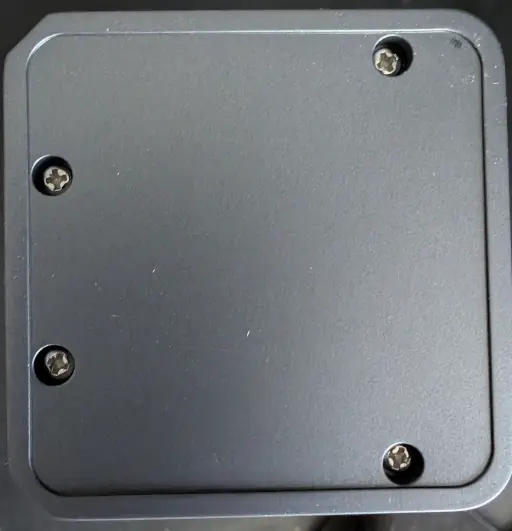
The base removes easily, exposing the three circuit boards.
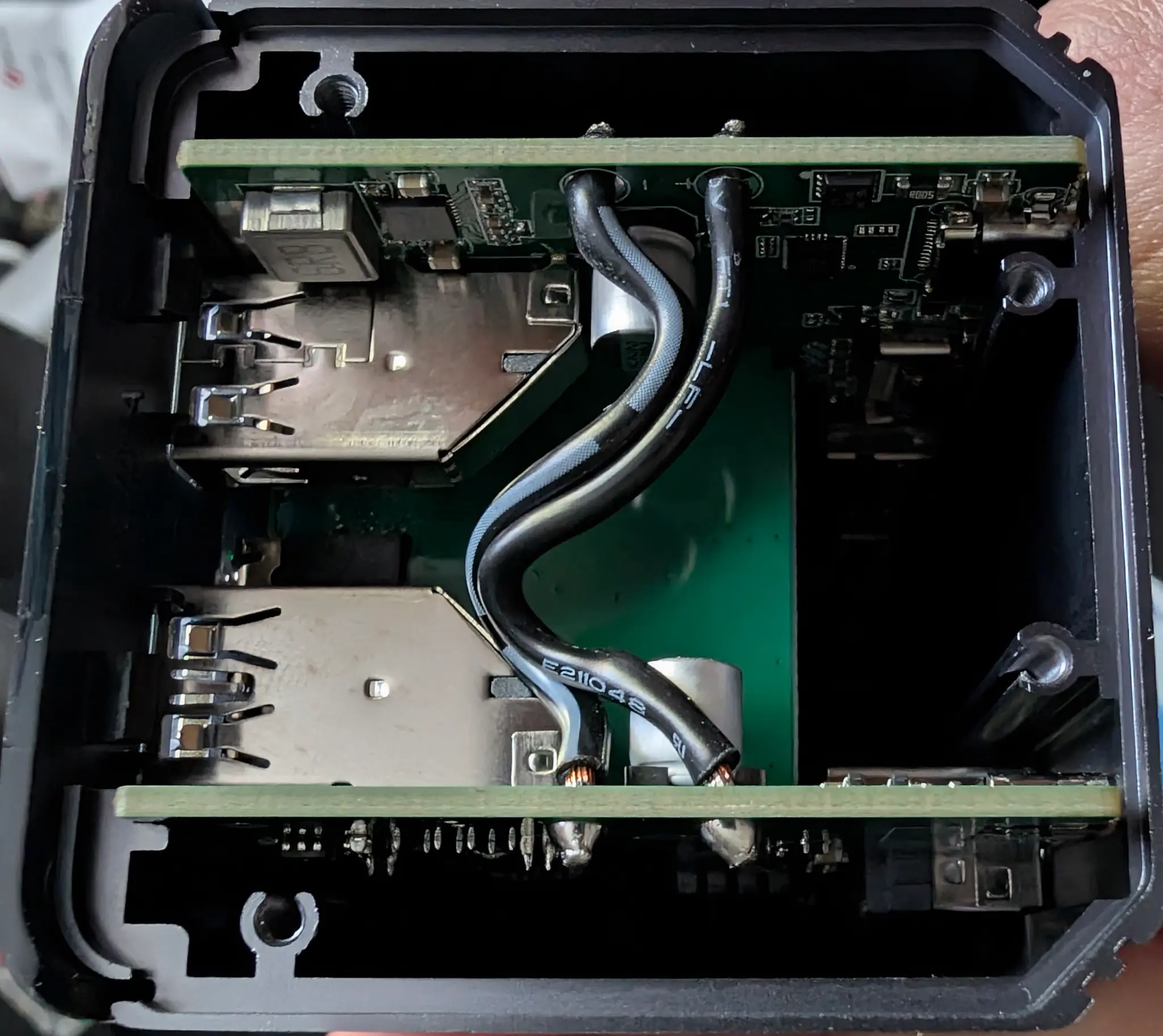
Here's a close up:
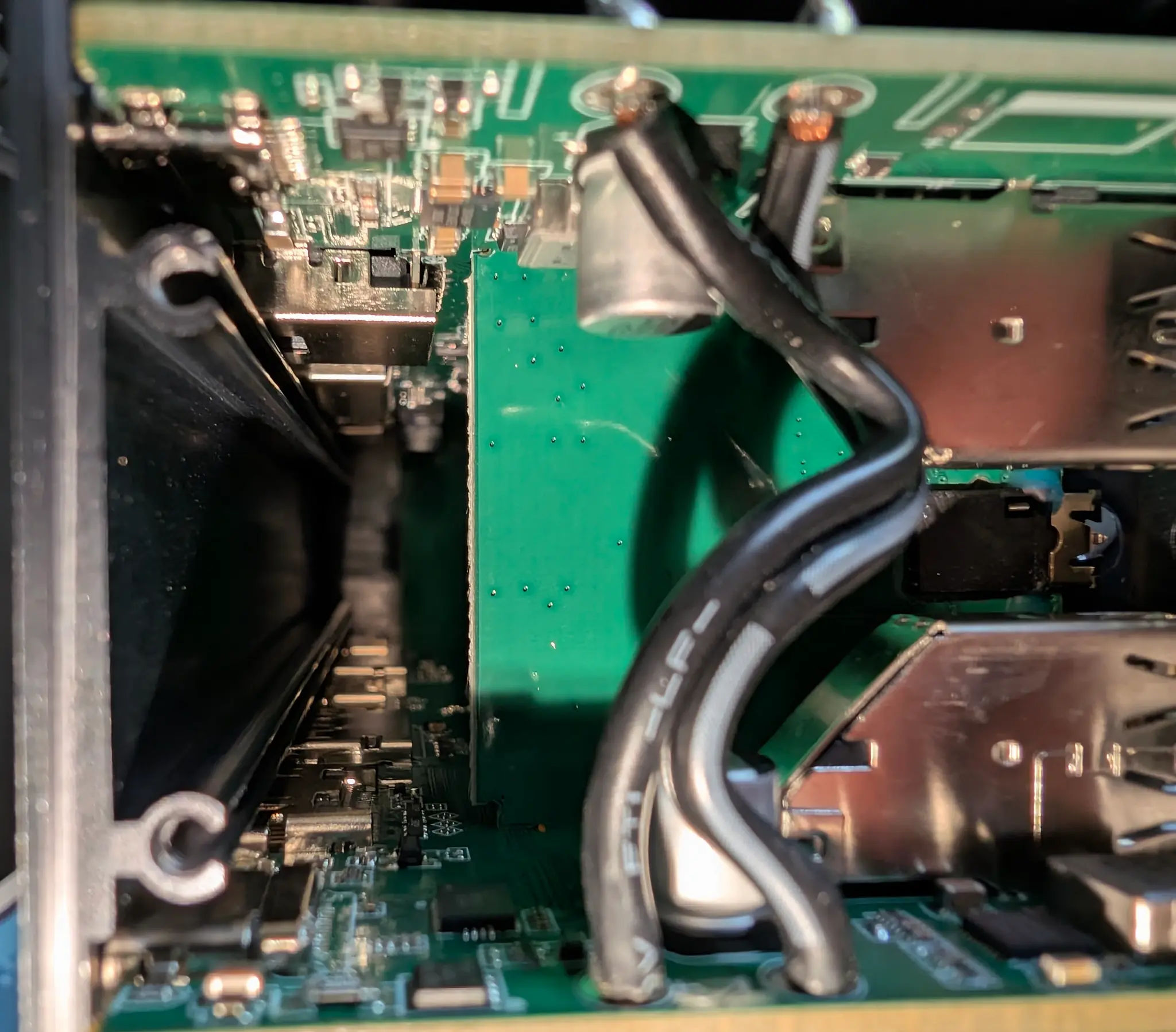
I couldn't easily get them out, and the front plastic was held on securely. I'm sure it would be possible to snap off, but I didn't want to damage it.
Price and Final Thoughts
It's usually about £90 from the manufacturer or around £70 from Amazon.
You can get a basic hub for less than half that price - but what you're paying for here having all the ports. It's an attractive package, well designed, quiet, and unobtrusive.
The screen is moderately useful - being able to see which ports are in use was handy, as was seeing the total power draw. The screen debugging was also handy. I'm not that interested in the weather, but I can see how it would be helpful as a single-use screen.
I have significant concerns about the always-on WiFi, especially given its easy to guess password. I've contacted the manufacturer to see if anything can be done about that but they don't seem interested in fixing it. The lack of privacy policy is also worrying.
Similarly, the HID and JTAG are also something I wouldn't expect to see on a hub like this. Ideally they should be disabled if not in use.
In terms of ports and performance, this can't be beat. But I would be reluctant to connect it to my home WiFi network.
 Product website


4 thoughts on “Gadget Review: Mokin 17 Port USB-C Tower”
@Edent my old plugable UD-ULTC-4K which was originally about 3.5x the cost just bit the dust with a hardware issue so good timing. 😎
| Reply to original comment on technomusicology.club
@Edent
⭐⭐💩💩💩💩
primarily due to the phone-home sec risk potential? 🙃
| Reply to original comment on technomusicology.club
@blog If it would ship with open source software, it would be so much more interesting product. As it is, it's yet another always-on device that acts as a potential backdoor to a home or office network..
| Reply to original comment on mastodontti.fi
@protman yes.
| Reply to original comment on mastodon.social
More comments on Mastodon.