


Whenever a company asks me to review their gadgets, I always ask if it is USB-C powered. If not, I'm not interested. So, welcome to the future where your chair is USC-C rechargeable!
WHAT?!
The LiberNovo Omni looks like a standard office chair - but has two secret features.
First, is that it is exceedingly comfortable. Full foam cushions, lovely headrest, and a recline which almost gets you horizontal.
Second, it is USB-C powered. There's a small battery pack which plugs in to the chair. Why? Read on!
OK, let's start at the beginning.
Assembly
Flat-pack chairs like this are normally notoriously hard to assemble. The LiberNovo bucks that trend - not only does it include a how-to video, it prints the instructions on a MASSIVE piece of cardboard.
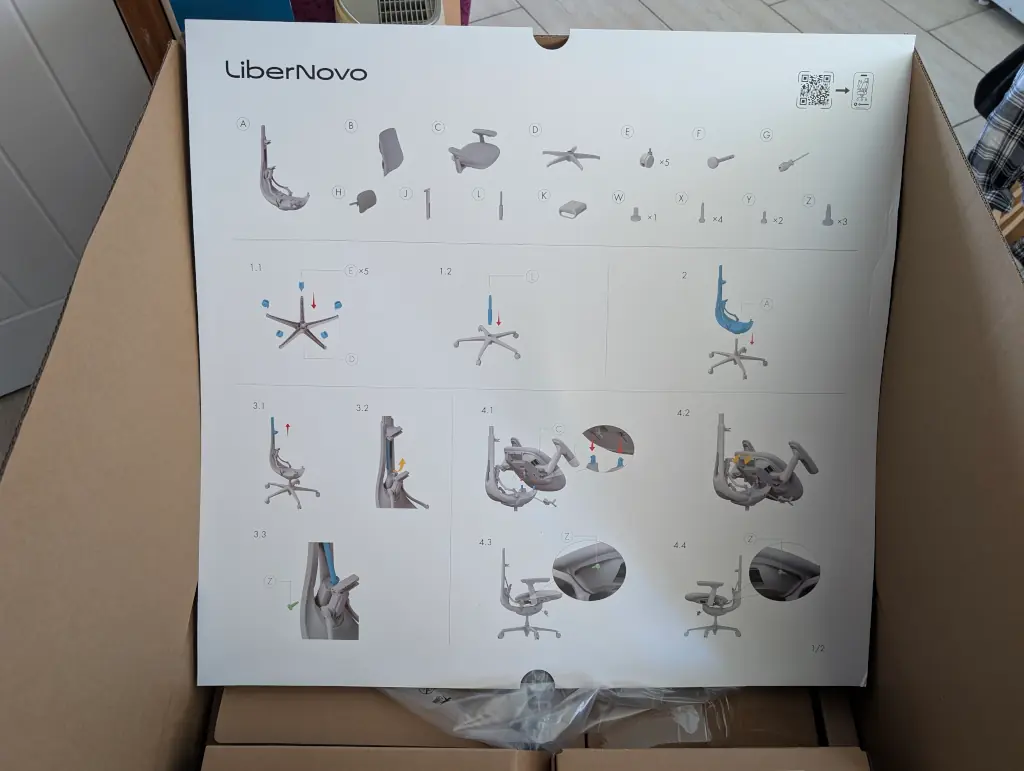
I'm used to peering at tiny black-and-white diagrams in a flimsy paper booklet. IKEA could learn a thing or two from this.
The screws are all labelled and a hex-driver is included. What's an even nicer touch, however, is some safety gloves:
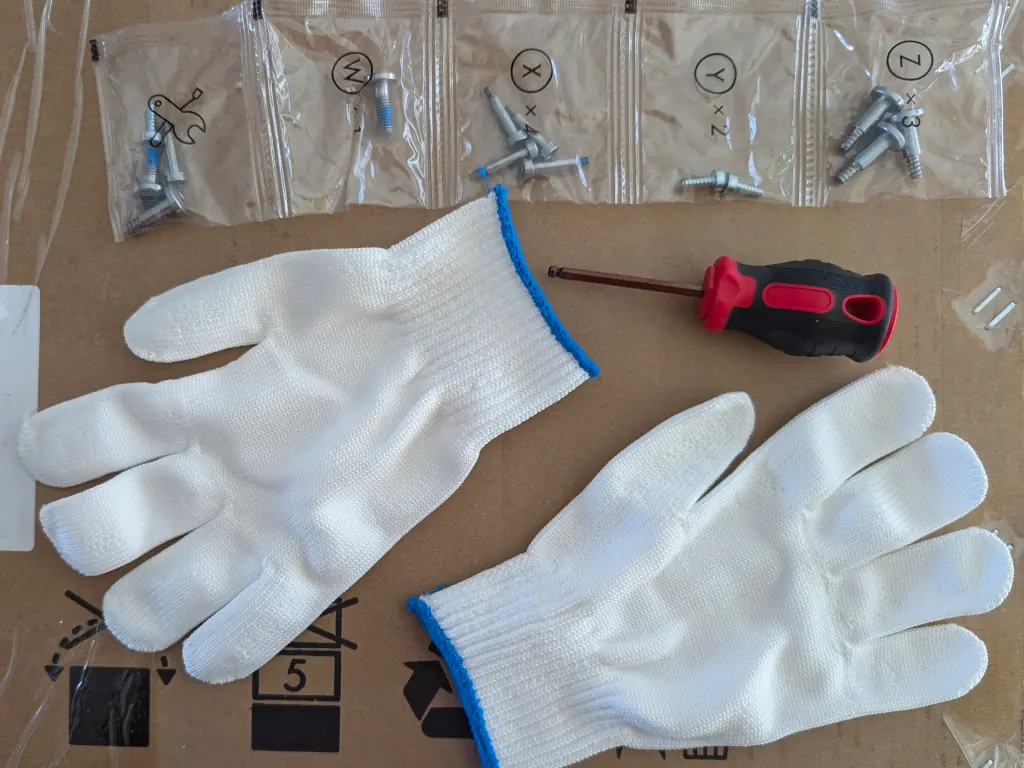
That's the sort of thing which doesn't cost much to the manufacturer, but is such a thoughtful gesture. There's nothing too sharp as you assemble, but who wants to cover their new chair in blood, eh?
The parts come in two large boxes, but there aren't that many separate bits.
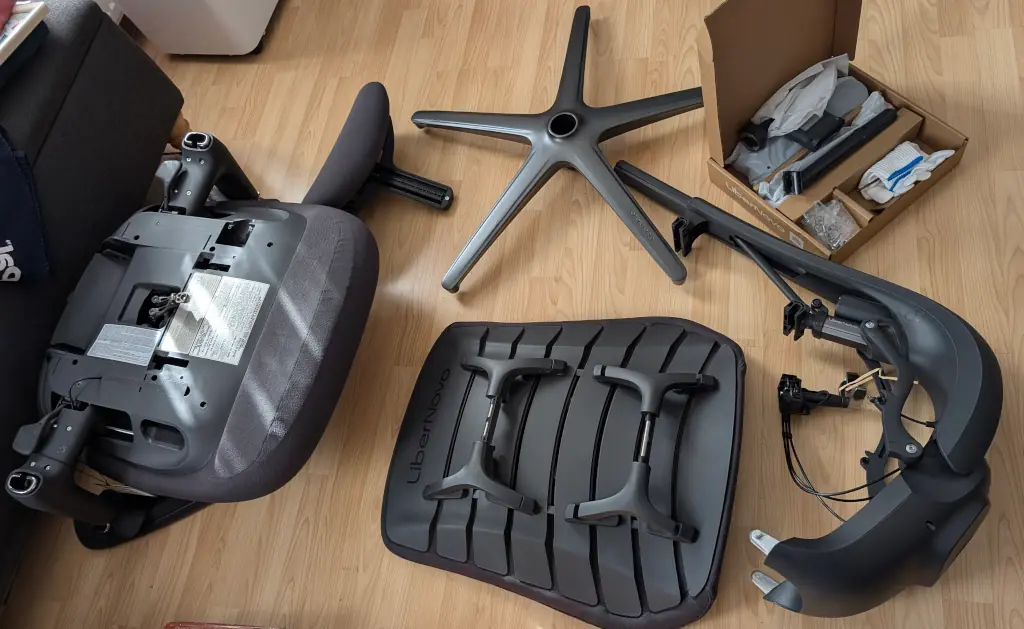
Building it took about half an hour. It's easier with a friend to help - as are most things in life - but doesn't require much skill.
Go Back To The USB-C Part Again Please?
The battery pack is a 2200mAh unit with a USB-C port to recharge. It connects in to the chair with this slightly unusual connector:
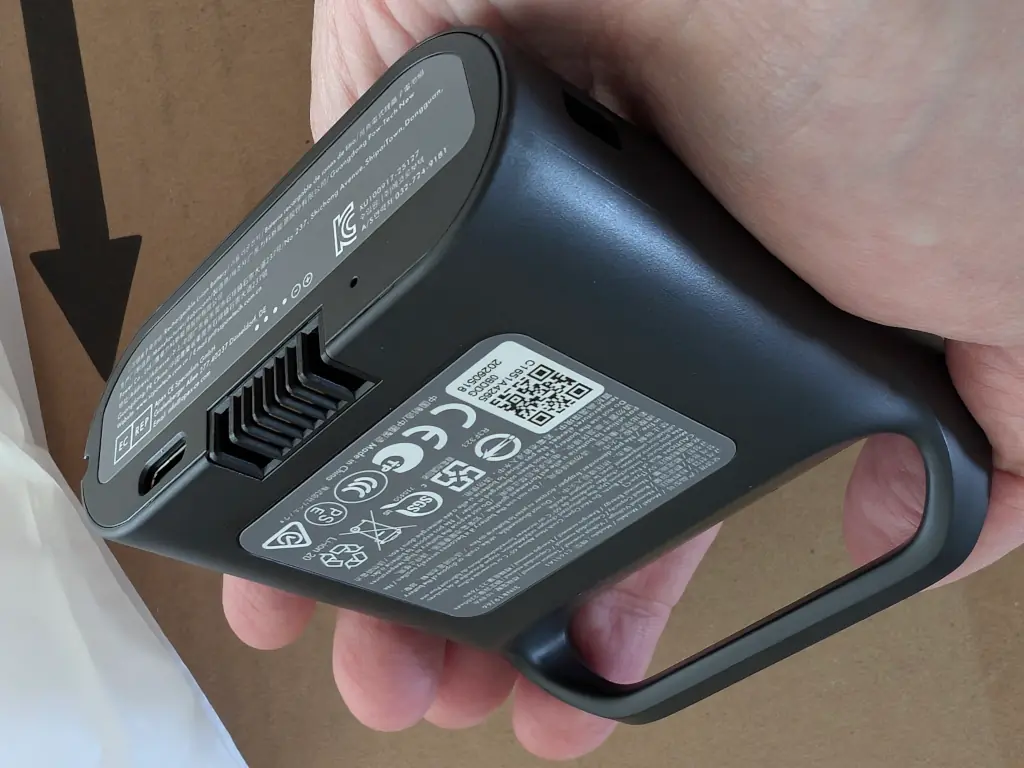
The internals of the chair have a USB-C cable to connect everything up.
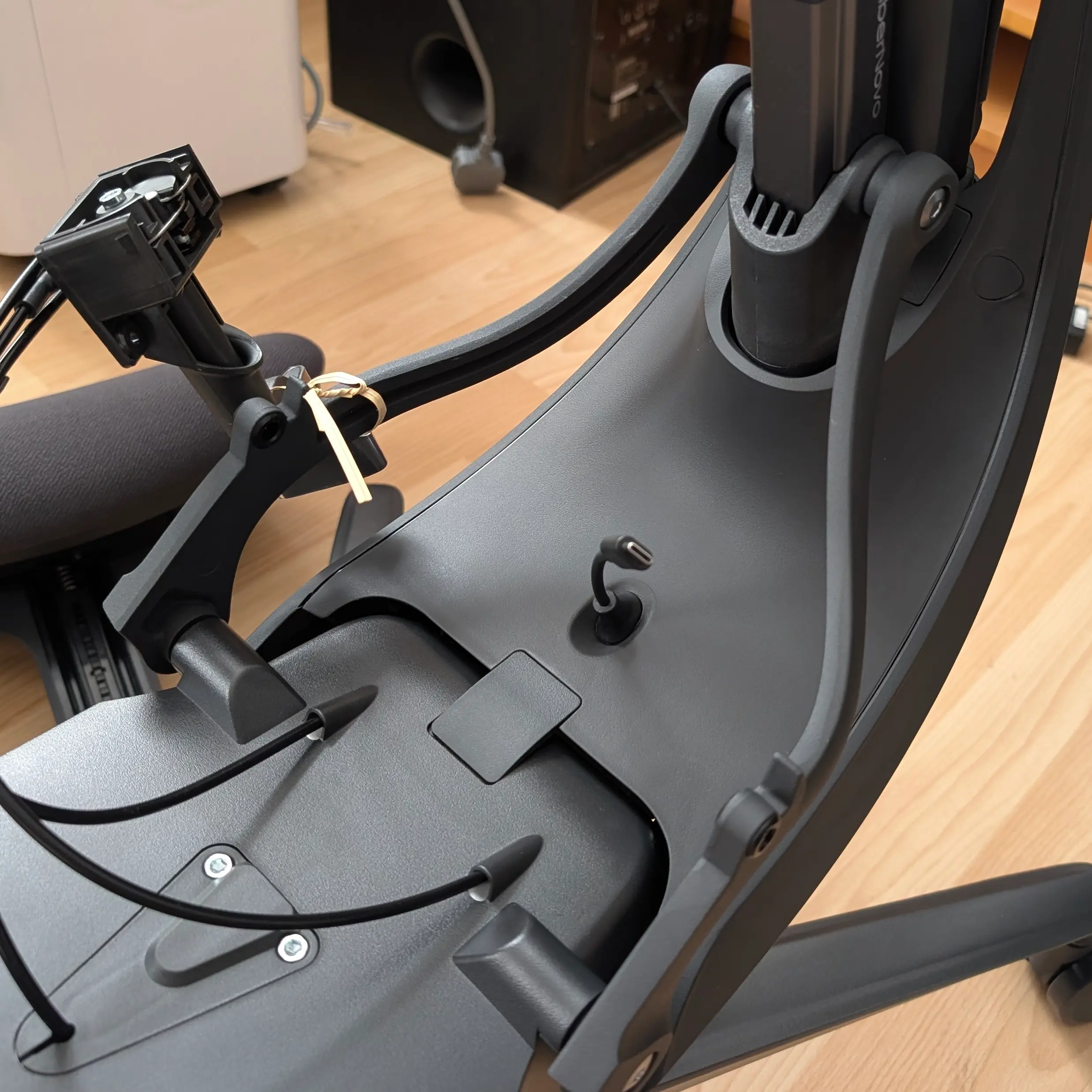
LOL!
YES BUT WHY DOES A CHAIR NEED A BATTERY PACK??!?!
On the side of the left arm-rest are three buttons.
Two of them move the lumbar-support up and down. Depending on how your back is feeling and how far you are reclined, you can adjust the the back-support position.
And the 3rd button?
That's the build-in back massager, silly!
Is that useful?
Yes. Being able to instantly adjust the back support without having to twist around is fantastic, especially for those of us reaching a certain age.
The "massage" feature essentially just moves the support up and down for five minutes before returning to its previous location. When sat upright, it feels great. But the real benefit is when you're laying down.
How flat does this thing go?
160° - not quite flat, but good enough when you're taking a break from Typing Real Hard. You don't want a photo of me sprawled out, so LiberNovo have helpfully provided some stock photos of much better looking folk.
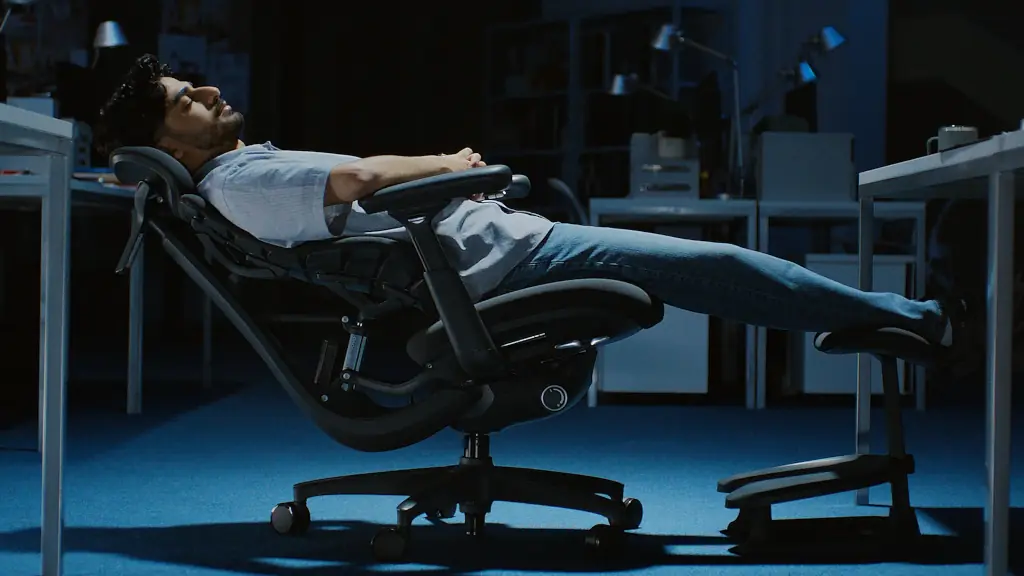
It is incredibly stable. At no point did it tip over or feel like it was going to deposit me on the floor. What really helps is the included foot stall.
No Feets On Seats
Unsurprisingly, this is not USB-C powered. A sturdy plastic footrest with a deeply padded leg rest on top.
Again, assembly was a cinch - follow the large printed instructions and clip it together. It's rated for 40㎏, so you shouldn't stand on it but it is more than enough to rest your weary legs.
Price
I hope you're sitting down for this.
Direct from LiberNovo, you can expect to pay around £700 - although there are bundles with extra batteries, the footrest, and even an eye mask which will shoot that price up. You can get the full bundle on Amazon for around £1,000.
There's two ways to look at that price. Firstly, youch. But, alternatively, that's still cheaper than a Herman Miller Aeron. And Herm's doesn't come with a built-in lumbar massage.
(There is also an upgraded version which has a built in fan under the seat. Personally, I suggest eating a healthier diet.)
I can't deny that's a chunk of change. If you're anything like me, you probably spend most of your day sat down. You might as well sit on something comfortable.
Final Thoughts
Having the back-rest adjustable via arm-rest buttons is a genius touch. I just wish it went further. I'd love a control panel (or, dare I say it, app) which let me adjust the seat height, recline, headrest position etc. Who can be bothered with fiddly manual levers when electricity can do the work for us?
Building this chair was a breeze - and it was delightful to get a pair of safety gloves with it.
The chair is extraordinarily comfortable and the back massage, while not on the level of a "shiatsu" style heated massage pillow, is delightfully pleasant. Would I lie all the way back and sleep in it? Yeah! Certainly more comfortable than an economy airline seat.
If you spend a lot of time sitting at your computer, your arse deserves something supportive. Your back deserves some love too. Yes, the USB-C power-pack is a little bit of a gimmick - but it is a hell of a good one.
In my opinion, this is worth splashing out on.


One thought on “Gadget Review: LiberNovo Omni - the USB-C powered office chair”
@Edent is it powered by USB-C _and_ can I access it over wifi. Those are the important questions to answer.
| Reply to original comment on macaw.social
More comments on Mastodon.